
Media Medic
Recording guides
Understand what can improve, keep the original and choose the right help for your recording.
Search titles and summaries. Try “echo” or “phone recording”. All search words must match.
46 guides. Browse by topic or enter a search.
Understand your options
Why the Voice Is Still Unclear
After noise reduction
Audio restoration cost
Understand the work, the quote and the next step before paying.
Three audio services, explained
Audio enhancement, audio transcription and audio authentication answer different questions. Here’s how to choose the help your recording needs.
Preserve audio & video evidence
Keep the original, its context and a clear record of every copy.

Choose audio cleanup software
Choose a tool for the problem in your recording, then check it on a preserved copy.
Find your recording problem

How to Reduce Background Music in a Video
A practical guide to reducing music in an existing video while protecting spoken dialogue.
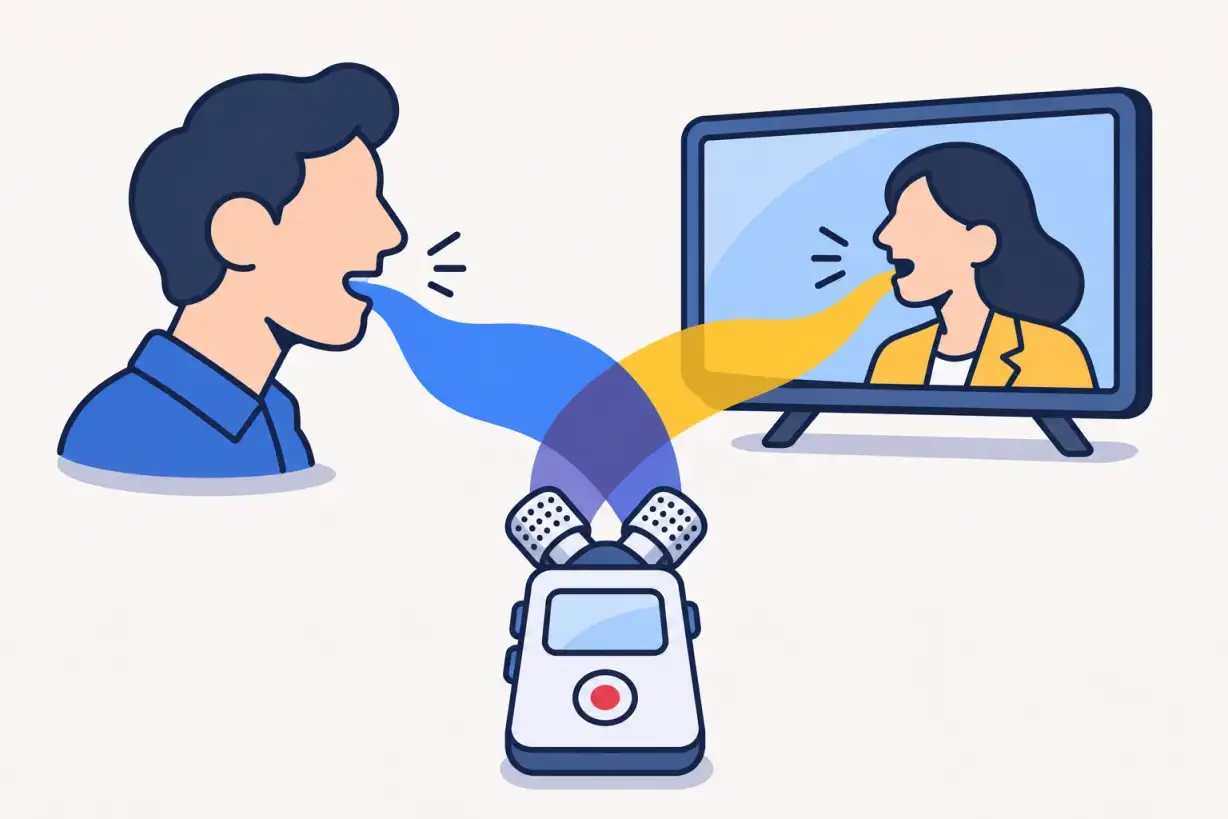
Can TV sound be removed from a voice recording?
TV sound can sometimes be reduced in a voice recording, but overlapping TV dialogue may remain and processing can damage wanted speech.
Enhance whispered audio
Make a quiet passage easier to hear and understand which changes are useful.

How to fix distorted audio
Start with the original, identify the fault and test the passage that matters.
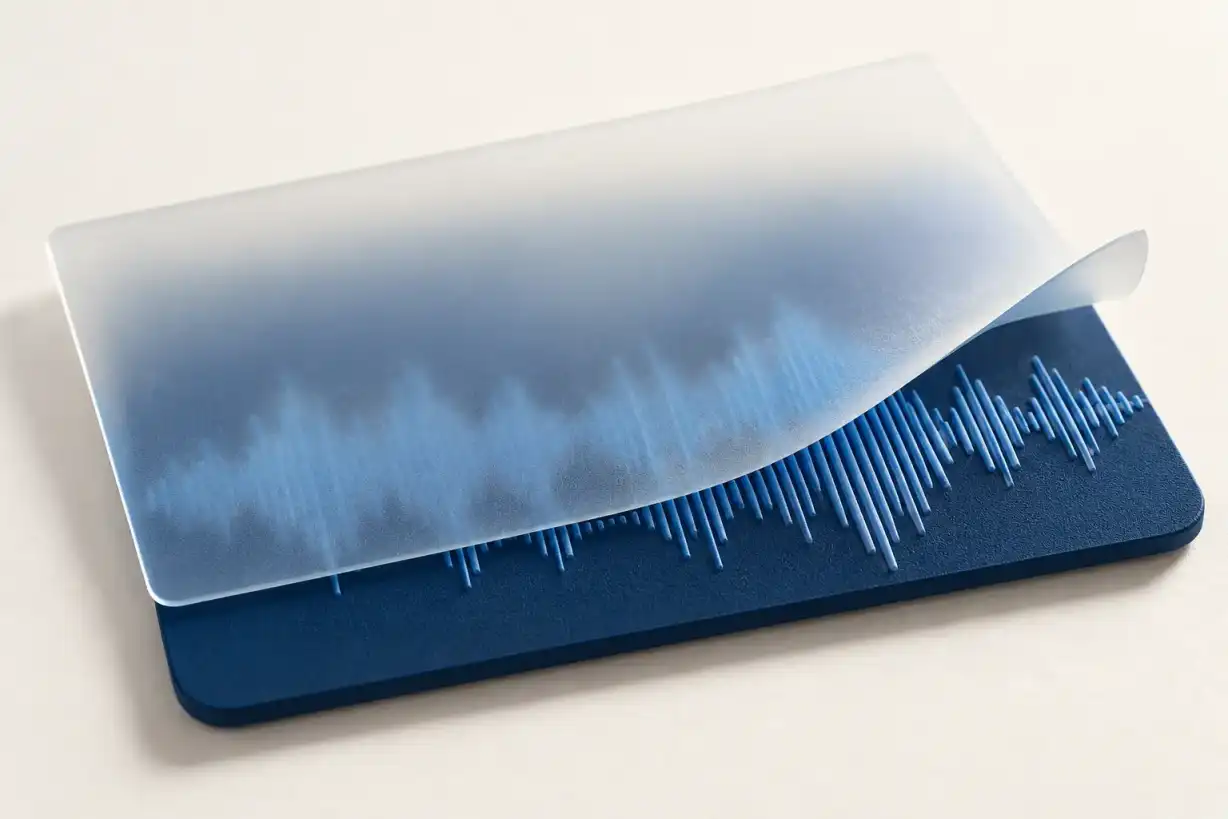
How to fix muffled audio
Find the best source, test one tonal change, and judge the speech that matters.

Reduce echo in a recording
What can improve, which tools help and how to judge the speech you need.
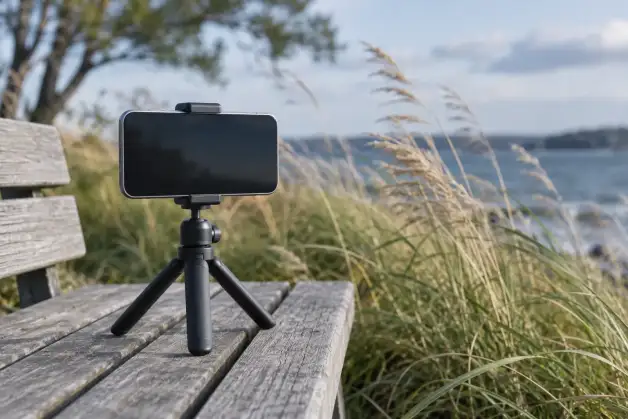
Reduce wind noise in audio
Start with the sound in your file. Reduce rumble carefully, compare the voice and know when to stop.

How to reduce audio hiss
Keep the recorded voice useful while lowering a steady background. Start with a copy, choose a fitting method and compare the passage that matters.

Remove static, clicks and pops from a recording
A sharp click needs a different repair from a steady layer of static.
How to fix phase cancellation
Compare channels before changing the recording.

Noise gate settings for voice
Make pauses quieter while checking that quiet words and natural endings survive.

Audio dropouts in a recording
First check whether the interruption belongs to the saved file or to the way it is playing. Repairing a tiny damaged interval may smooth the sound, but replacing a gap does not establish which words were originally spoken.
Work on speech and listening levels
Fix uneven audio levels in a recording
Choose the right change for quiet and loud passages.

Reduce plosives
A heavy thump on a “p” or “b” can interrupt an otherwise useful recording. Reduce that short burst carefully, then check that the word still sounds complete.

Reduce Breathing Noise
Lower an intrusive inhale while keeping the words, pauses and original recording intact.

Reduce sibilance
Test selective de-essing while keeping useful speech detail.

Speaker diarization: who spoke when?
Understand speaker diarization, segmentation and clustering. Check labels, overlapping speech and corrections without treating anonymous turns as verified identity.
Improve transcription accuracy
Keep the recording, check what the words support, and use automatic text as a draft. A quieter file or a fluent sentence does not establish that the transcript is right.
Start with the recording you have
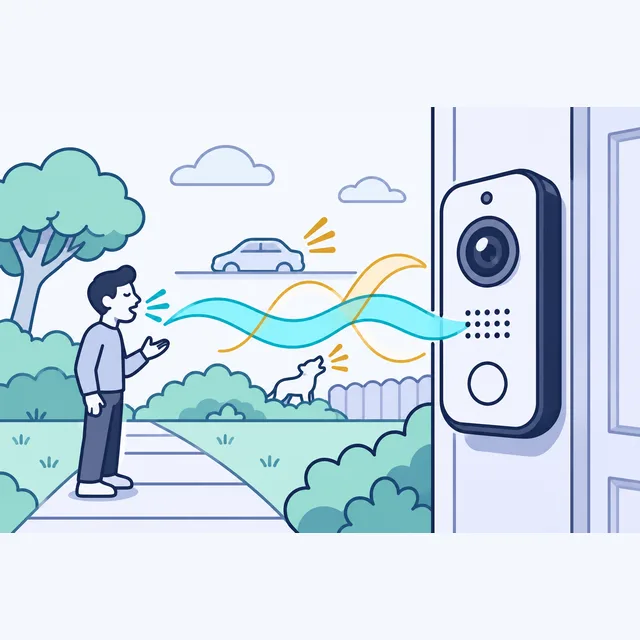
Can You Make Speech Clearer in a Doorbell Camera Recording?
A guide to assessing unclear speech in a saved doorbell video.
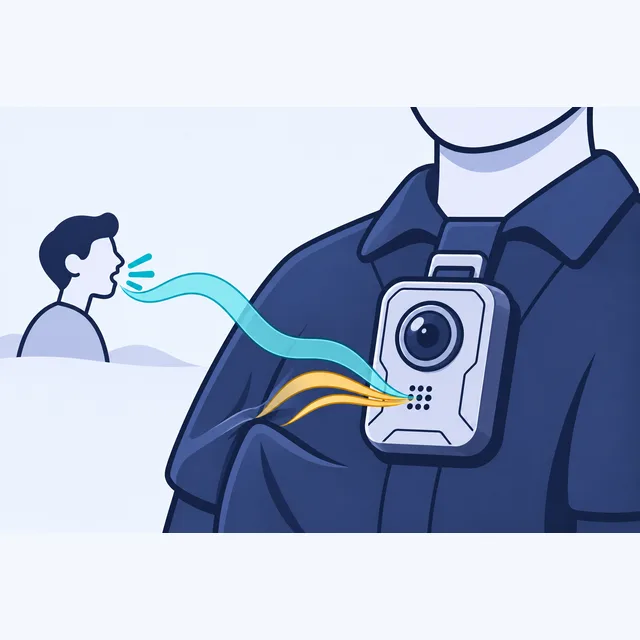
Why Body Camera Audio Is Hard to Understand—and What Can Be Improved
A guide to reviewing speech captured in an existing body-camera recording.

Can a Noisy Wedding Speech Recording Be Saved?
A guide to assessing an existing wedding toast obscured by music, guests or recording damage.

Should You Restore a Noisy Podcast Recording or Record It Again?
A guide to choosing between an existing podcast performance, a replacement passage and a new take.
Audio enhancement for court reporters
What can become clearer—and what still needs careful transcript review?
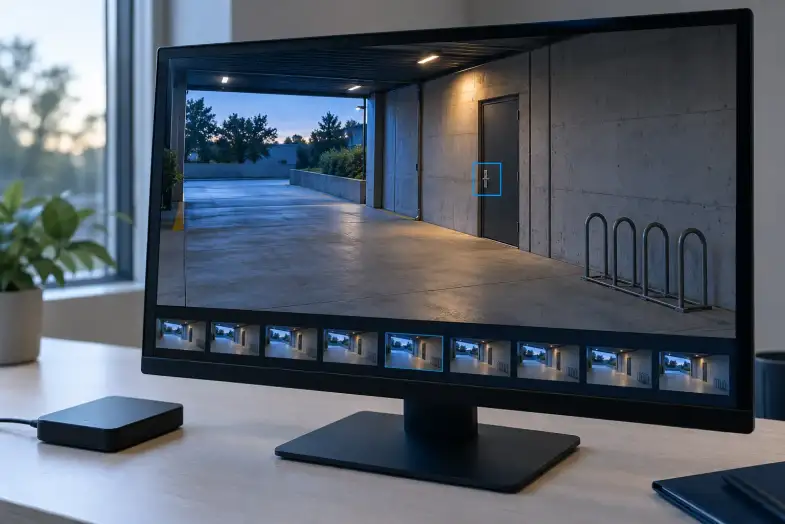
Enhance security camera footage
Keep the original, choose adjustments for the problem and check whether the detail actually becomes more useful.

Restoring old family voice recordings
What may improve, how to keep the original, and what to listen for before deciding on more cleanup.
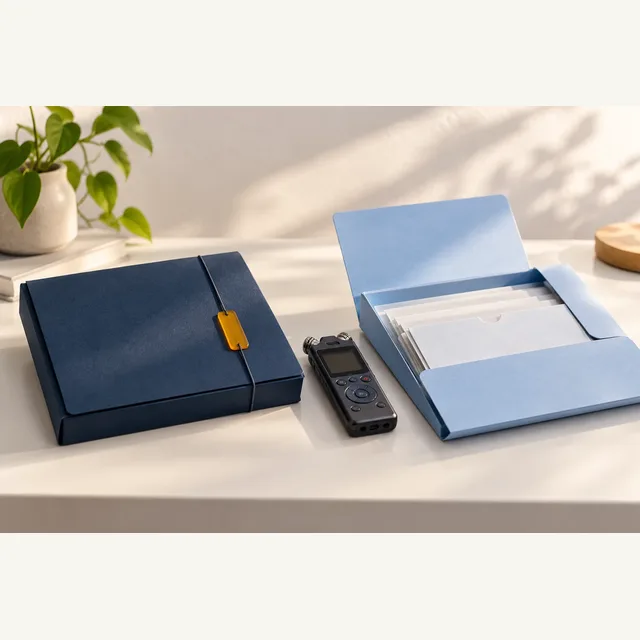
Archival audio preservation
Keep a faithful preservation copy, make listening improvements on a separate version, and retain the records that connect both to the collection.

Improve recorded meeting audio
Compare the available recordings before applying cleanup. A separate participant track or another recording may preserve speech that the shared meeting file does not.
Music restoration: preserve the performance
Music restoration is audio repair aimed at reducing unwanted defects in an existing recording. The priority here is to preserve the performance and judge each change against an untouched copy.
Production audio cleanup
Prepare existing dialogue tracks, agree how they will return, and check the repaired recording in its original context.

Phone and Voicemail Recordings
Save the best available recording before trying to make it clearer. Then test a working copy against the original, including both sides of a call and the words that matter.

Improve research interview audio
Make a separate listening copy, keep the original recording, and choose processing around the research question. A cleaner-sounding interview is useful only if you can explain what changed and what the recording still cannot establish.
How to clean up interview audio
Start with the clearest source available, test a short passage on a copy, and check the result against the original. A quieter background is useful only if the speaker’s words and meaning remain intact.
Keep files usable

Audio file formats and quality
Keep the original recording, then make the copy your editor or recipient needs. A different extension, a bigger file or a higher sample rate does not by itself recover missing sound.
Convert Video Without Losing Quality?
Whether you can convert video without losing quality depends on what has to change. Copying compatible encoded streams avoids another encoding step. A lossy re-encode can discard information even when the result looks similar. Keep the original recording and make a separately named viewing copy.
Audio and video out of sync?
Start by finding out whether the mismatch is in the recording, an exported copy or the player. Then check whether the gap stays the same or grows as the video runs. Those two observations determine what to try next.

Accessible Audio and Video
Give people accurate captions, a useful transcript and a player they can operate. Start with the information in the recording and the needs of the people using it.
Evaluate recording evidence
Video evidence integrity
Keep the original export and its history. A file that has stayed unchanged since receipt can still raise questions about its source, timing or earlier edits.
Audio and video in court
Keep the source recording, document changes, and separate technical questions from the legal decision to use it. This guide uses U.S. federal rules as examples; your court and circumstances determine the applicable requirements.

Forensic voice comparison
Forensic voice comparison evaluates recordings of a questioned speaker and a known speaker. Its usefulness depends on the available speech, the differences between the recordings, and the method used to assess the evidence.
ENF analysis: uses and limits
What a changing grid-frequency trace can support—and the evidence a comparison needs.
Check for deepfake audio
Keep the received file, verify the claim through a trusted contact and check what any detector actually examined. A convincing voice or an automated score cannot settle every question about a recording.
A different question
Audio authentication
If your question concerns a recording’s origin or editing history, discuss audio authentication and agree on the work separately.