
Doorbell recordings
Can You Make Speech Clearer in a Doorbell Camera Recording?
A guide to assessing unclear speech in a saved doorbell video.
Before a cleanup trial
Doorbell audio: preserve the source and compare the words
- Keep the earliest available doorbell download unchanged and test a working copy.
- Match a cleanup trial to the sound interfering with the doorbell speech.
- Quieter background sound does not establish words missing from the recording.
Can speech in an existing doorbell clip become clearer?
Cleanup can sometimes make captured speech easier to hear in a doorbell camera recording, depending on how much useful voice detail survived. A quieter background does not guarantee understandable words, and changing the camera’s settings today does not repair an old exported clip.
For a conversation you cannot repeat, start with the best available video file. Keep an unchanged copy, locate the difficult passage and assess the sound before deciding whether to process it yourself or request a file review.
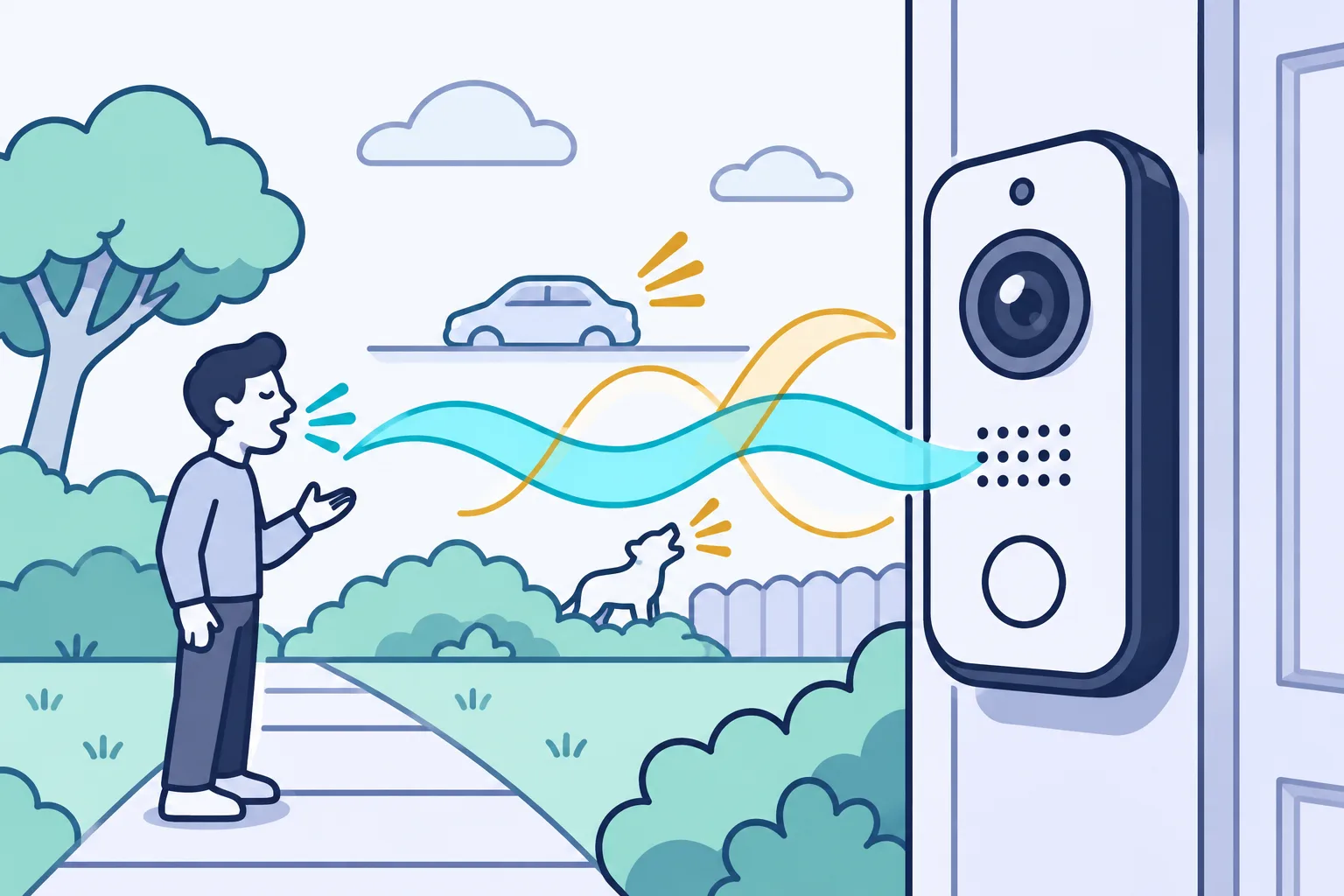
Save the doorbell clip before trying to clarify speech
Download the existing doorbell event from the account that holds it, if the recording is still available. Keep that download unchanged and edit a separate working copy, rather than making a phone recording of the video playing on another screen.
For a Ring clip, the documented app route is History, the event’s more menu, then Download. Other brands have their own export controls; check the instructions for the service holding your clip. Do not assume that an event listed in a history screen is still recoverable.
- Save the full available event, including speech before and after the moment you need.
- Note the filename, camera, event date shown by the app and how you obtained the file. Treat the displayed date as information to retain, not independently verified timing.
- Make a working copy with a different filename. Keep earlier cleanup attempts separate too.
- Open the saved copy and confirm the relevant sound and picture are present. If it is only a forwarded or screen-recorded copy, keep it and ask whether an earlier download exists.
An app download is the best available source in many ordinary situations. Calling it the original export does not establish that it is raw camera data or authenticate its history.
Check whether doorbell speech is unclear in the saved file
Play the same downloaded doorbell clip through another familiar player or audio output before altering the file. A problem confined to one playback path calls for a different investigation from muffling or missing sound that remains at the same moment in the saved clip.
At a comfortable level, compare one short sentence on headphones and another suitable output. Check that playback is not muted. A phone speaker may make a quiet voice harder to hear; a different output may help you listen without changing the recording.
Keep the test controlled: use the same file and timestamp, changing one playback condition at a time. Different players can handle a damaged file differently, so one better playback does not prove the cause.
Reduce low rumble without stripping the doorbell voice
A high-pass filter can reduce low rumble in a doorbell clip by lowering sound below a selected frequency. It changes recorded frequencies, not the identity of the person speaking, and it can also remove part of the voice.
This is a possible trial when low, heavy rumble dominates a passage. Preview a modest change on a working copy and listen to the whole sentence. There is no universal cutoff for every doorbell microphone, voice or wind condition.
Back off if the voice becomes thin without making the words easier to follow. Strong wind bursts can contain more than low rumble, so a successful reduction in bass does not mean the speech hidden during a gust has been recovered. The existing wind-noise guide covers that separate problem in more detail.
Test steady-noise reduction on doorbell speech
Noise-profile reduction can reduce steady hiss or hum behind doorbell speech when a noise-only interval is available. Changing traffic, gusts and overlapping speech are poor matches.
A noise profile samples background sound for the effect to reduce. In Audacity, test a separate working copy:
- Use File > Import > Audio to import the clip’s sound. Some video formats need FFmpeg, an optional library for additional formats. Confirm playback; this test produces audio, not edited video.
- Select background sound without speech, open Noise Reduction and get the noise profile. If no noise-only interval exists, skip this test.
- Select the difficult passage, reopen Noise Reduction and preview a modest reduction. Residue previews removed sound; recognizable speech there warns you to lower reduction or sensitivity.
- Return to Reduce to preview the retained audio. Once satisfied, leave Reduce selected and click OK to apply the effect. Compare with the unchanged passage; undo dull speech or watery tones.
- Export a separate listening file; an Audacity project save alone does not create one. Reopen the export before keeping the result.
Can new doorbell settings repair an old recording?
New microphone, network or camera settings do not repair speech already missing or damaged in an exported doorbell recording. Live microphone suppression processes sound during a call or recording; it does not edit a saved clip unless the software also has a separate file-processing feature.
Use the device maker’s support route for future capture faults. Keep the old downloaded event available for a separate assessment, rather than expecting a better live test to change what the old file contains.
Can AI clarify distant or overlapping doorbell speech?
An AI speech enhancer, which uses a trained model to process recorded speech, may help with an existing doorbell clip, but it needs a file-specific comparison. A distant voice or two people speaking together may remain unclear even when the output sounds smoother.
Some browser tools process saved audio or video directly. Before using an online service, check its current file support, access requirements and handling terms; do not upload sensitive footage until the sharing arrangements fit your needs.
Test a short working segment containing the difficult speech and surrounding conversation. Listen for missing syllables, changed voice texture or speech-like sounds you cannot support in the original. Lower the processing strength or reject the trial if those changes appear.
A general speech enhancer is not a promise to select one particular person. Name the wanted speaker by an observable position or turn, such as “the quieter reply from the person beside the gate,” without supplying the sentence you hope to hear.
Can missing words be recovered from a doorbell recording?
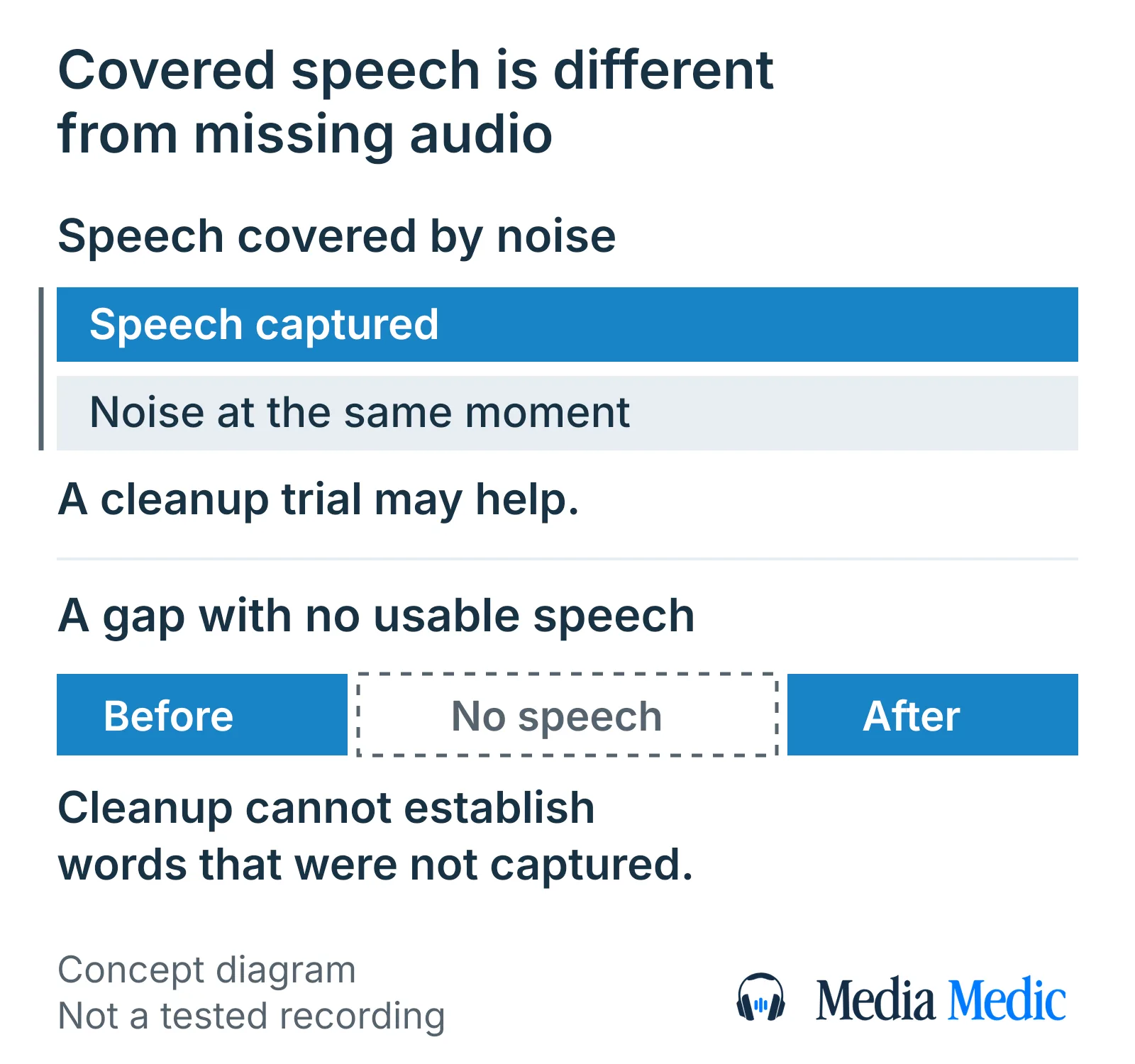
A gap in a doorbell recording is different from speech covered by noise. If no usable speech was captured in that interval, an enhancement result cannot establish the missing words from the clip alone.
Check whether another camera or an independently recorded file captured the same event. Keep that source separate and confirm it covers the relevant moment; do not treat another recording as interchangeable merely because its displayed time looks close.
Tiny repair tools can estimate a damaged interval from adjacent audio. A smooth repair is still an estimate, not independent evidence of a word. Keep the original and avoid deleting a gap just to make playback continuous: moving later audio can break its alignment with the video.
Can clipping repair fix distorted doorbell speech?
Clipping repair may help lightly clipped doorbell speech by estimating damaged peaks. Clipping means recorded level limits have cut off parts of the signal; harsh sound alone does not prove that clipping is the cause.
Keep the unprocessed clip and test any repair on a separate copy. A de-clipping tool is a different operation from lowering background hiss, and neither operation guarantees understandable words. If the voice remains harsh at a lower playback volume, that observation can help describe the problem for a review, but it is not a diagnosis.
How to judge speech after doorbell audio cleanup
Judge a processed doorbell clip by whether the important words are easier to understand, not merely by how quiet or polished it sounds. Compare the same sentence in the unchanged and processed versions at similar comfortable playback levels.
- Listen to the sentence with some conversation on either side. Check whether word beginnings and endings survive.
- Write down what is clearly audible and mark unresolved words as unclear. Avoid choosing a word solely because it fits the scene.
- Take a break before another comparison. If practical, ask another listener what they hear without first giving them a proposed transcript.
- Reopen the exported result and check the passage with its picture. Keep the duration and sound-picture alignment intact.
Stop when stronger processing adds unwanted sounds such as watery tones, removes speech or leaves you repeatedly guessing. An automatic transcript is another interpretation to check against the audio, not confirmation that an unclear word was recovered.
Clearer doorbell sound does not establish identity or fix the picture
Audio cleanup addresses sound in a doorbell recording. It does not, by itself, identify the speaker, authenticate the file or establish what a blurry face or object shows.
Keep those requests explicit. Hearing a reply more easily is different from establishing who made it; making a video brighter is different from verifying an identification. The security-camera footage guide addresses the visual task separately.
If the clip may matter in a dispute, preserve the unchanged source and a record of processing. Agree any examination or documentation requirements with the appropriate adviser before treating a cleaned listening copy as the complete answer.
Prepare a doorbell clip for a free file review
For a free review of a doorbell clip, prepare the earliest available download, difficult timestamps and a neutral description of the voice or reply you need to follow. Media Medic offers a free file review; restoration is separately paid work, and improvement depends on the recording.
Prepare:
- The earliest available downloaded clip, plus any earlier processing attempts clearly labeled.
- The difficult timestamp and enough surrounding event to locate the passage.
- Which voice or reply matters, described without an expected transcript.
- How the clip reached you and any known copying or conversion; mark unknown history as unknown.
- The purpose of the listening copy and any deadline or file-sharing requirements.
Request a free file review to discuss the available recording and the next step. Ask about sharing arrangements before sending identifying material. A review request does not establish that every word can be made clear or that another service is included.
What this doorbell audio guide can establish
This guide explains a cautious assessment of an existing doorbell clip using published export, playback and audio-processing documentation. Browser research reached its question-discovery target and included complete answer reads for the questions retained here; other discovered answers were not all read. Forum coverage was limited and served to identify reader concerns, not prove a tool’s results.
No reader recording was listened to or processed for this guide. The article does not establish an improvement rate, a successful repair or a reliable transcript for your clip. A specific recording needs its own comparison, with any remaining uncertainty kept visible.
Documentation used for this doorbell audio guide
- Ring: managing videos https://ring.com/support/articles/6shp7/managing-your-ring-videos
- Ring: fixing audio and video issues https://ring.com/support/articles/odu0k/fixing-audio-and-video-issues
- Audacity: Noise Reduction https://manual.audacityteam.org/man/noise_reduction.html
- Audacity: High-Pass Filter https://manual.audacityteam.org/man/high_pass_filter.html
- Audacity: Clip Fix https://manual.audacityteam.org/man/clip_fix.html
- Audacity: Repair https://manual.audacityteam.org/man/repair.html
- Adobe Podcast: Enhance Speech for video https://podcast.adobe.com/en/guides/enhance-speech-for-video
- SWGDE: Enhancement of Digital Audio https://www.swgde.org/documents/published-complete-listing/20-a-001-2/