
Body-camera recordings
Why Body Camera Audio Is Hard to Understand—and What Can Be Improved
A guide to reviewing speech captured in an existing body-camera recording.
Before assessing the recording
Before assessing body-camera audio
- Keep the supplied body-camera source unchanged and test separate working copies.
- Distance, overlapping voices and capture damage need different assessments.
- Quieter noise does not guarantee understandable words in body-camera audio.
What can improve in unclear body-camera audio?
Body-camera audio may become easier to follow when distracting noise is reduced or quiet speech is brought to a more useful listening level. The limit is the speech captured in the file: quieter background sound does not guarantee understandable words.
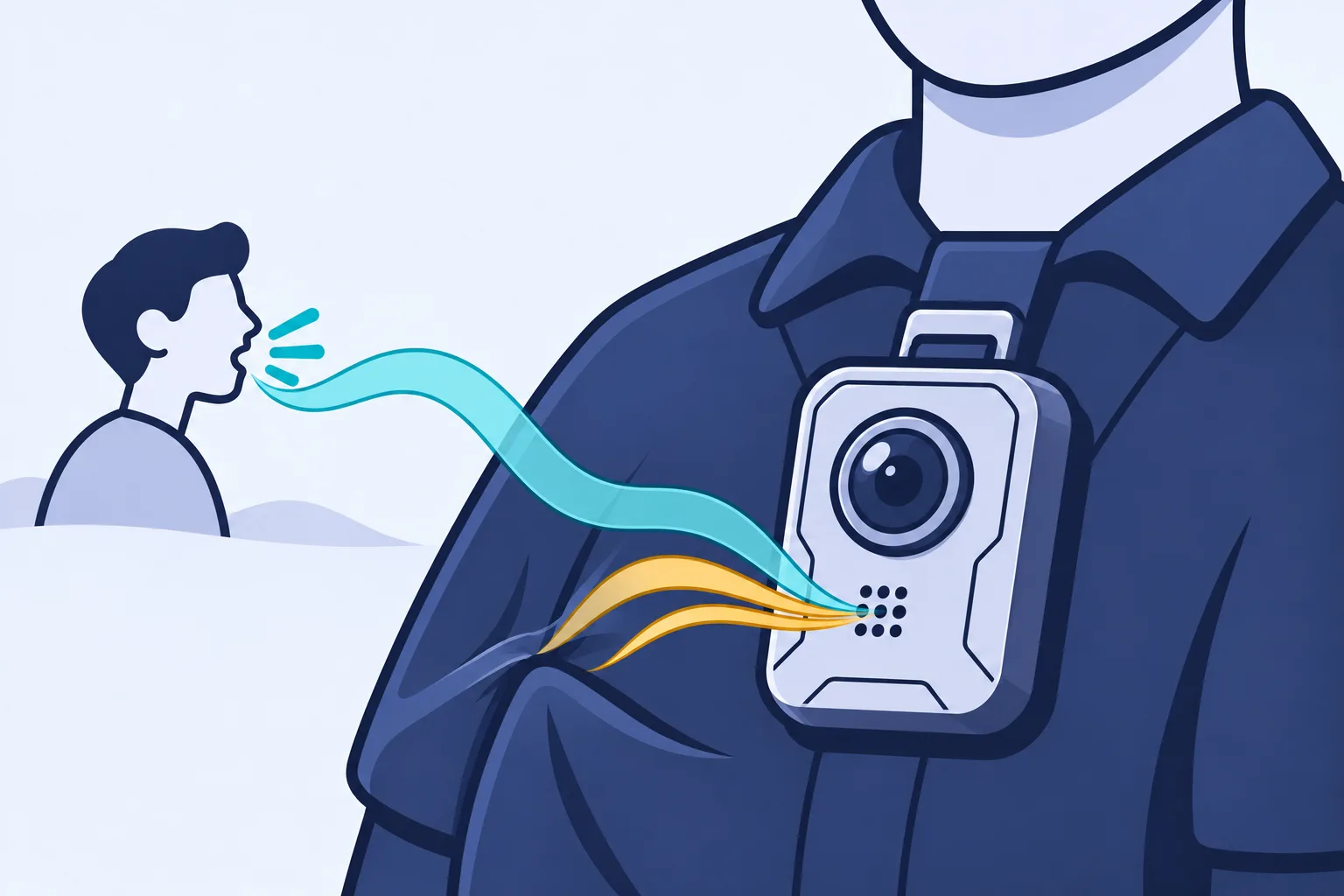
A body camera records from the wearer's position, while the conversation may happen several steps away or change direction as people move. A loud, clear voice from the wearer can sit beside a faint reply, a burst of wind or two people talking at once. The useful question is whether the particular reply you need can become more intelligible—easier to understand—without losing speech detail.
Which body-camera file should you review first?
Start with the earliest, least-processed body-camera file you are authorized to use, and keep that supplied file unchanged. A separate working copy lets you compare any cleanup with the sound you actually received.
Before treating an unclear passage as a microphone problem, establish what the copy contains:
- Is the file an export from the recording system, a shortened clip or a screen recording of playback?
- Has the audio already been cleaned, converted or muted in a redacted copy—a version with material deliberately hidden or silenced?
- Is another supplied recording available for the same moment, with a microphone closer to the wanted speaker—the person whose speech you need to follow?
Ask the person supplying the file about its export and any known changes. A filename or a larger file size does not establish that a copy contains more useful speech. If a better source is unavailable, identify the copy you have and assess its limits rather than repeatedly converting it.
Why can the camera wearer sound clearer than someone nearby?
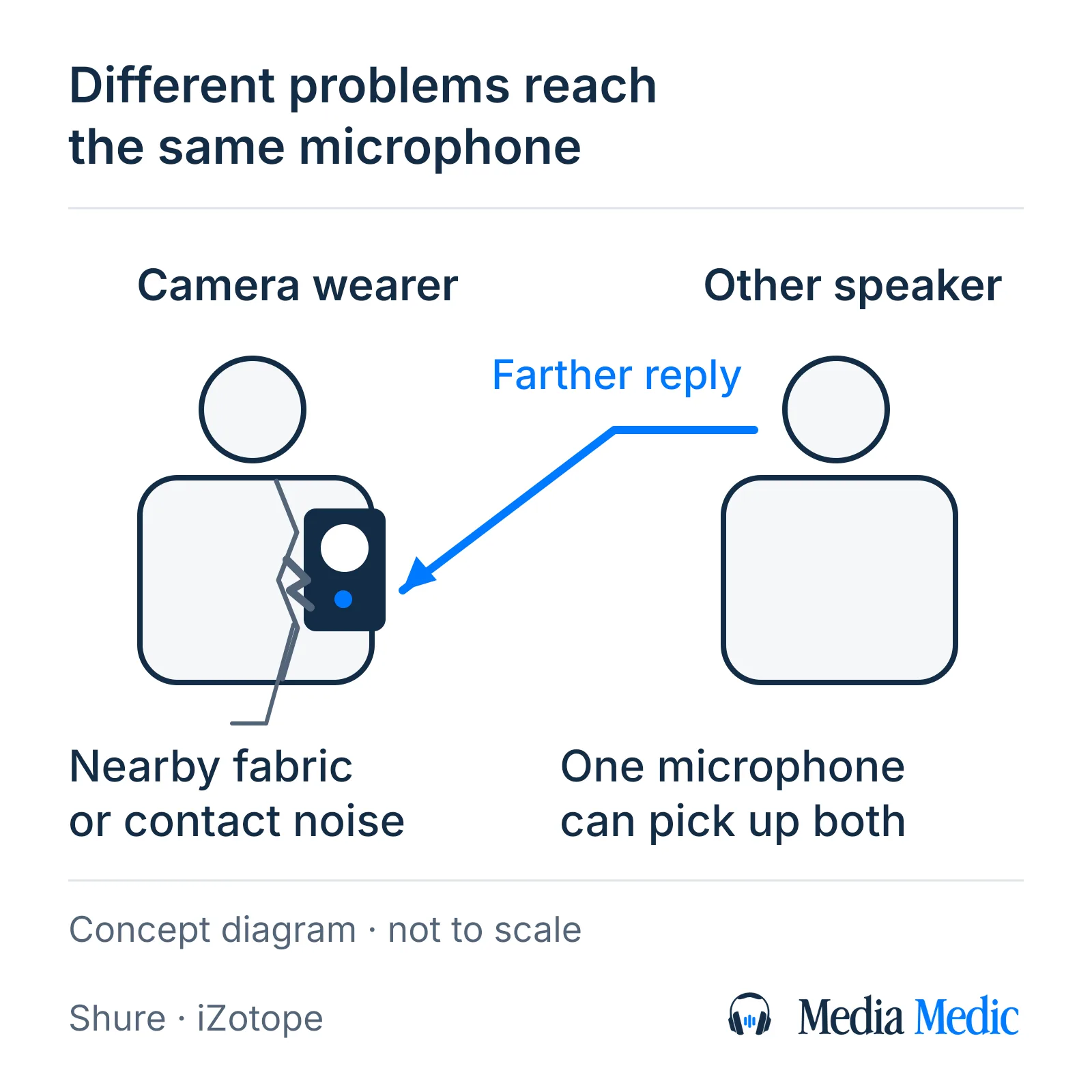
A body-camera microphone can be much closer to the wearer than to another person in the conversation. The more distant voice may arrive weakly compared with nearby noise and, indoors, reflected speech bouncing from walls or other surfaces.
That difference can change within a sentence as the wearer or the other person moves. Seeing a face clearly in the video does not establish that the microphone captured the person's words clearly. Picture framing and the balance of sound reaching a microphone answer different questions.
Turning up the whole recording raises the unwanted sound captured with the distant voice too. Some available speech detail may become easier to hear, but playback volume cannot change where the microphone was during the event. Mark the specific reply that is difficult rather than describing the entire recording as too quiet.
Why do movement and wind disrupt body-camera speech?
Movement-related noise and wind can interrupt body-camera speech in changing bursts, so a treatment that helps one moment may damage another. Fabric moving near a microphone can add rustle; rubbing against the microphone can add contact noise. Wind striking a microphone can create low rumble or stronger distorted bursts.
A steady-noise effect that learns a noise profile—a sample of unwanted sound on its own—does not automatically have a useful model of every changing gust or contact noise. Stronger reduction can remove useful speech along with the interference. Dedicated processing may be worth testing. A strong burst can overload the recording path—exceed what it can capture cleanly—so a wind-reduction label is not proof that the speech can be restored.
Listen for when the interference happens. A thump in a pause and a thump across the start of a reply have different consequences for understanding the conversation. Note the affected timestamps without assuming that every rough sound has the same cause.
Can cleanup separate overlapping voices in body-camera audio?
Cleanup may make overlapping body-camera speech easier to follow, but reliable separation of one speaker from another cannot be assumed. A speech-focused processor may retain both voices because both are speech; a quieter background can leave the overlap unresolved.
Separation processing tries to divide a recorded mixture into components. Its useful result depends on the voices and interference present, and processing may also remove parts of the wanted speech—the recorded utterance you need. Do not assume that an "isolate voice" control selects the person visible in the picture.
If another supplied recording covers the same exchange, compare that passage before making the first file's processing stronger. A different microphone position may contain a clearer reply. Keep each source identifiable; do not treat words audible in another recording as though they were recovered from the first one.
What if body-camera speech sounds harsh or broken?
Some lightly clipped body-camera speech may become less harsh with a targeted repair, but severe distortion can leave words unresolved. Clipping is one possible fault: overload that cuts off signal peaks during recording or processing. Harshness alone does not identify clipping or establish where the damage occurred.
Lowering playback volume can make the sound more comfortable without undoing captured distortion. Some repair methods estimate the shape of damaged peaks, with better prospects for light clipping than severe clipping. An estimated repair is not independent confirmation of the original words.
Compare the same harsh moment in the supplied source and each processed copy. If the roughness appeared after cleanup, retain that attempt separately and return to the source for the next trial. If the source already contains the damage, judge any repair by the speech it preserves, not merely by smoother peaks or a less abrasive sound.
Can enhancement recover silent body-camera audio?
A body camera can record audio, but enhancement cannot recover a conversation that was never recorded in the available source. A silent interval needs a source and playback check before it is treated as very quiet speech.
Check that the supplied file is playing with sound enabled, then ask whether the copy has an audio track and whether that interval was muted in the supplied version. Recording settings and pre-event buffering—the recording system's temporary capture of time before an event is saved—can affect which intervals contain sound. The behavior depends on the device and configuration; a silent opening does not establish why sound is absent.
Where another authorized source exists, ask the supplier to clarify whether it contains audio for that interval. If the available source contains no recorded speech, increasing gain—raising the recorded sound level—or applying noise reduction to lower unwanted sound has no speech to reveal. Keep that absence separate from a faint voice, a voice covered by other sound, or distorted speech.
How should you compare body-camera audio before and after cleanup?
Compare the same body-camera passage in the unchanged supplied file and a separately saved processed copy, at similar comfortable listening levels. Keep a change only when the speech you need is easier to follow without losing useful detail.
- Choose a short passage containing the difficult reply and enough surrounding conversation to locate it. Keep the full supplied file unchanged; work on a copy.
- Note the listening task neutrally, such as "the quieter reply after the question at 02:15." Avoid supplying a sentence you expect the recording to say.
- Trial one processing change and save it as a distinct version. Compare the identical phrase in the source and processed copy, including the starts and ends of words.
- Record two observations separately: whether the interference is less distracting, and whether the relevant speech is easier to understand. A softer gust can leave the reply uncertain.
- Reopen the saved result and check the passage with its video context. Confirm that no unexpected gap, timing change or missing sound appeared in the delivered copy.
Stop when more processing weakens consonants, adds watery or metallic changes, or leaves the same words uncertain. A cleaner texture or a plausible transcript does not establish words you still cannot hear clearly. Keep the uncertainty visible when deciding whether the result is useful.
What should a body-camera audio review request include?
A useful body-camera audio review request identifies the supplied source, the difficult interval and the listening improvement you need. You do not need to diagnose the fault or guess the words before asking for help.
Prepare:
- The original supplied video or best available copy, identified separately from processed attempts.
- Start and end timestamps for the difficult passage, with enough surrounding conversation to locate the reply.
- Known recording or export details, earlier processing and any other supplied sources for the same moment. Mark unknown details as unknown.
- Your actual deadline and any file-sharing questions to settle before sending sensitive material.
Media Medic offers a free file review; restoration is paid work. Ask about a review of the specific passage to find out what improvement may be worth attempting. No recording has been assessed for this guide, so the guide cannot promise that your body-camera audio will improve or that every word will become understandable.
What does this body-camera audio guide establish?
This body-camera audio guide explains capture and processing limits from primary microphone, camera and audio-software documentation. The body-camera examples apply those general mechanisms to an existing recording; they are not results from a listening trial or an assessment of a particular device.
No body-camera recording was supplied or processed for the guide. The source-copy check, passage comparison and request checklist help define a useful review. They do not establish a recording's authenticity, identify a speaker or resolve a legal question.
Technical references for body-camera audio limitations
- Shure: Audio for Distance Learning https://content-files.shure.com/KnowledgeBaseFiles/audio-for-distance-learning.pdf
- Audacity: Noise Reduction https://manual.audacityteam.org/man/noise_reduction.html
- Audacity: Clip Fix https://manual.audacityteam.org/man/clip_fix.html
- Audacity: Digital Audio Fundamentals https://manual.audacityteam.org/man/digital_audio.html
- Axon Body 3: Operation https://www.axon.com/help/axon-body-3/cameras-and-sensors/body/operation.htm
- Axon Body 3: Settings https://www.axon.com/help/axon-body-3/cameras-and-sensors/body/settings.htm
- Axon Evidence Local: Using Redaction Studio to redact evidence https://www.axon.com/help/evidence-local/software/evidence-local/redaction-studio/redact-evidence.htm
- iZotope RX 6: De-wind https://downloads.izotope.com/docs/rx6/29-de-wind/index.html
- iZotope RX 6: De-rustle https://downloads.izotope.com/docs/rx6/28-de-rustle/index.html
- iZotope RX 6: Dialogue Isolate https://downloads.izotope.com/docs/rx6/31-dialogue-isolate/index.html