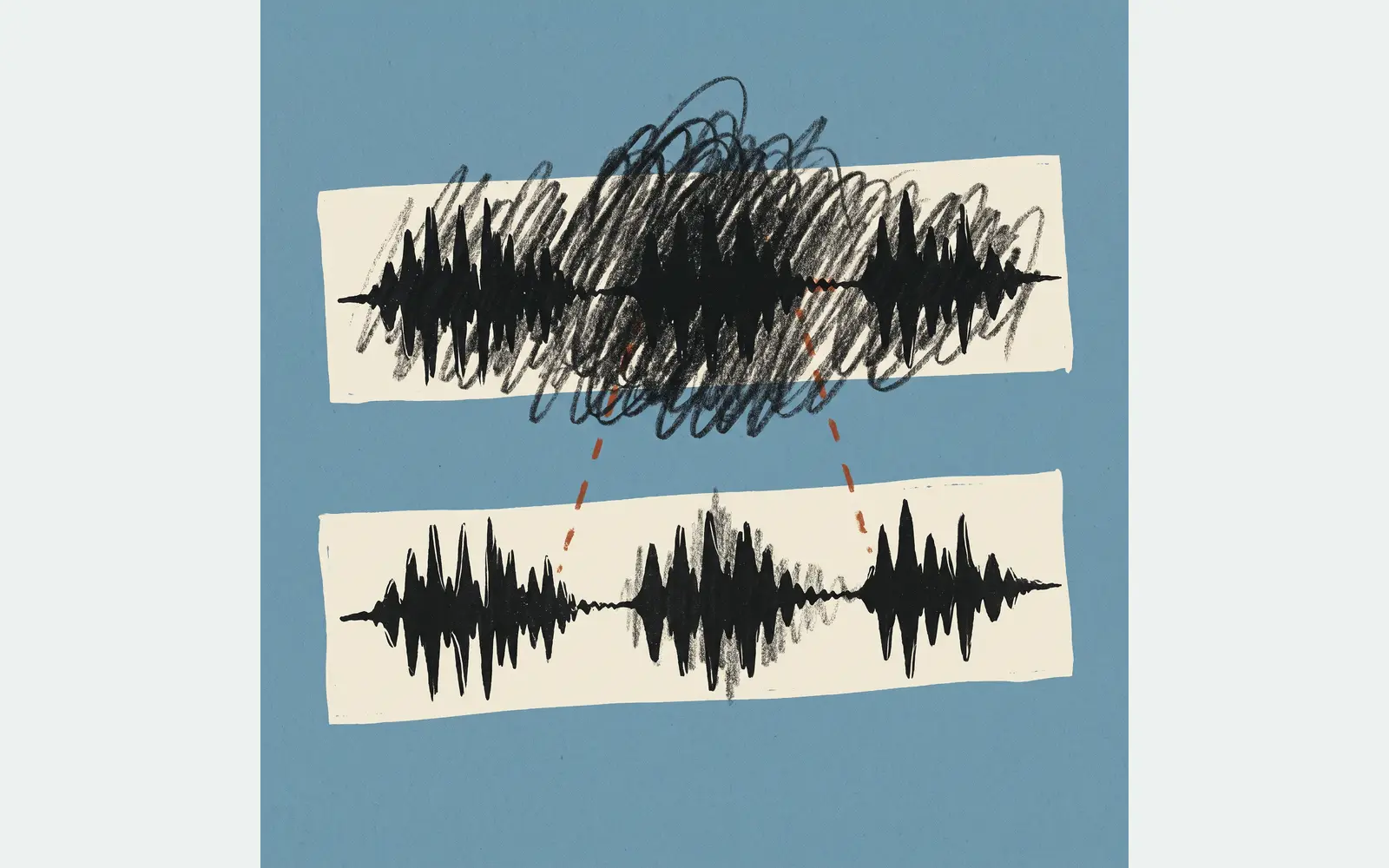
To enhance security camera footage with software, start with the most original recording available, work on a copy, and choose adjustments that address a specific problem. Brightness, contrast, noise reduction, and aspect-ratio correction may make recorded information easier to review. The useful result depends on what the camera captured and what has happened to the file since.
What enhancement can improve
A clearer presentation may help you examine a dark area or follow an event. It does not guarantee that a face or license plate will become identifiable. Before processing, define the question: which person, object, action, or time interval do you need to see more clearly?
Keep changes tied to the recording. Adding a person, changing an object, or generating a plausible-looking identifier would change the information you are reviewing. A convincing appearance is not proof that a detail was recorded. An inconclusive result is possible.
Start with an original export and a working copy
Obtain the most original available export from the camera, recorder, or storage service. If it uses a proprietary format, keep the supplied player or information needed to open it. Avoid unnecessary conversions: they can change the image or discard useful metadata.
Preserve that source and process a separate working copy. Record the file name, camera or channel, relevant time interval, and area of interest. Check properties such as resolution, aspect ratio, frame rate, and codec before choosing a workflow. A recording of a monitor or a file forwarded through another app may have different limitations from the original export.
These steps follow the source-review and processing principles in SWGDE’s Best Practices for Digital Forensic Video Analysis, version 18-V-001-1.1, sections 4.3.1–4.3.3. The guidance is a technical reference, not an endorsement of a particular service.
Match the adjustment to the problem
Choose software that opens the file correctly, provides control over the required adjustments, and lets you record the processing settings. Check its current documentation for your format and task. A software feature list alone cannot establish what will work on your recording.
| Problem | Try | Check |
|---|---|---|
| Dark or low-contrast area | Tone and contrast | Does the relevant detail become clearer, or only brighter? |
| Visible noise | Reduce noise | Are useful edges or small features being obscured? |
| Stretched image | Aspect ratio | Are proportions consistent with the source? |
| Blur or shake | File review | Is enough detail recorded for the task? |
SWGDE section 4.3.3 recommends addressing file and recording characteristics before specific areas of interest. It describes corrections such as noise removal, sharpening, and local adjustments. It does not supply a universal setting or guarantee that blur can be removed. Test the relevant operation rather than applying every available filter.
Compare the same frames before and after
Review the same frame or time interval in the original and processed versions. Check the surrounding scene as well as the feature you care about. Ask whether the change helps answer your original question and whether it introduces distracting artifacts or misleading impressions.
Keep a record of the software, processing order, and settings so another reviewer can understand what changed. Save the processed result separately and label it clearly. If an adjustment does not help, retain that limitation rather than treating a more dramatic appearance as a successful result. Technical processing alone does not decide how a recording may be used in a particular proceeding.
When to request a professional review
If the file will not open correctly, the defect is difficult to assess, or the result matters to a decision, consider a video cleanup assessment. Provide the source file, how and where it was recorded, priority timestamps, and the specific question you want answered.
Media Medic’s Video Cleanup page explains its project intake and review process. Use that page to discuss the scope of your file. Confirm any requested documentation or additional deliverables before commissioning work; do not assume an enhancement request includes them.
Improve future recordings separately
A clean lens, suitable focus, recording settings, and lighting can help future captures. For an example of equipment troubleshooting, see Lorex’s guide to distorted or blurry camera images. Changes to a camera today cannot recapture an earlier event. Keep prevention advice separate from the software review of footage you already have.